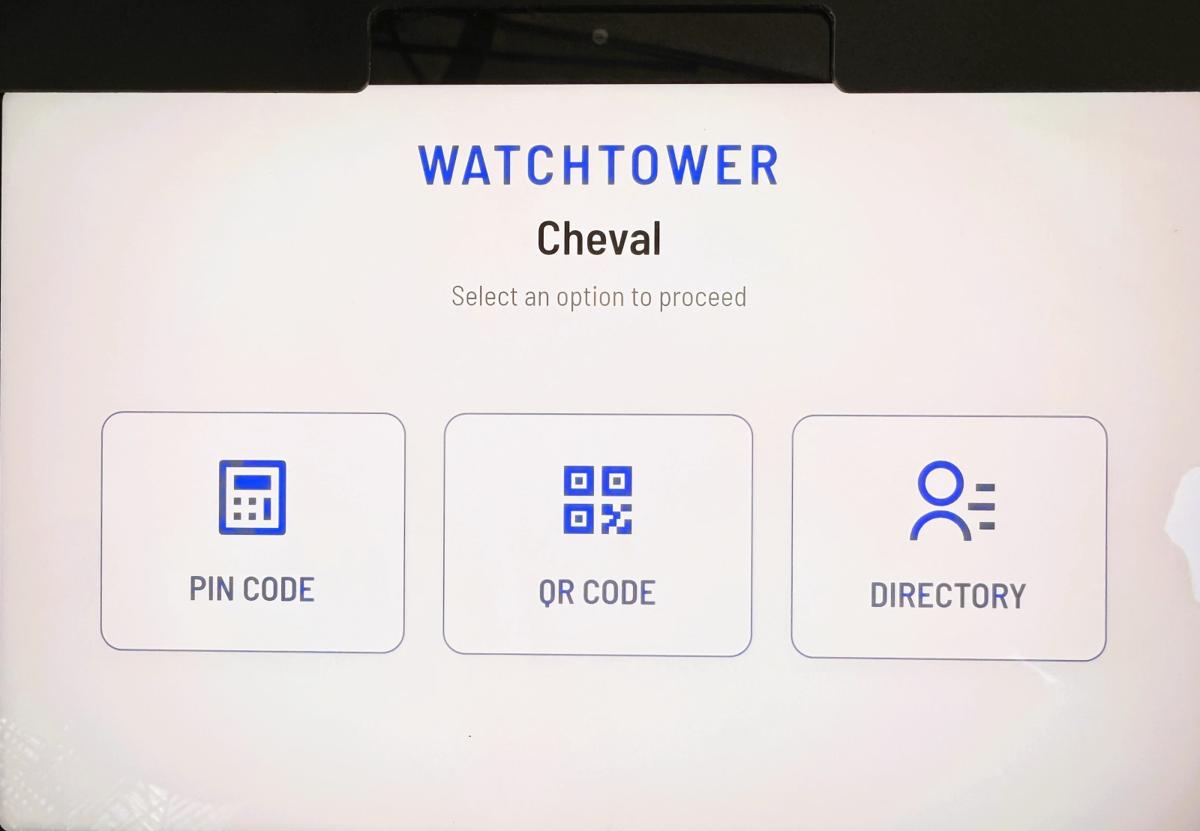
We are excited to announce the installation of the new Watchtower Call Box at the Chambord Village entrance! This upgrade brings modern security and convenient self-managed access to our community.
📅 Key Transition Dates:
- Through February 28th: Your existing legacy PIN codes will continue to work.
- Starting March 1st: Legacy codes will be deactivated. You must use your new Watchtower-managed credentials (QR codes or new PINs) to enter the village.
📱 Action Recommended:
- Download the App: We strongly encourage residents to download the Watchtower mobile app. This is the most efficient way to receive instant notifications and manage entry requests from the new system.
Watchtower is designed specifically for gated communities to eliminate the friction of legacy systems. By unifying guest registration, household management, and digital credentials into one intuitive interface, Watchtower provides a higher standard of security and convenience for every resident.
⚠️ URGENT: DoorKing System Deactivation
Please be advised that the legacy DoorKing call box is being decommissioned. All existing DoorKing PIN codes will cease to function after February 28th. To ensure uninterrupted access for yourself, your guests, and your vendors, you must transition to the Watchtower platform immediately. Please note that no outbound registration emails will be sent; residents must take proactive steps to create their accounts using one of the methods listed below.
Key Features for Residents
With Watchtower, you are in complete control of your home’s accessibility:
- Self-Service Management: Add or remove guests and vendors instantly.
- Instant Notifications: Receive alerts the moment a guest arrives at the gate.
- New Credentials: Generate secure, unique PIN codes and QR codes to replace your deactivated DoorKing codes.
- Enhanced Security: Detailed audit logs and high-level encryption keep our community safe.
How to Create Your Watchtower Account
- Option 1: Social Sign-On (Fastest Setup) Visit the login screen on the web or mobile app and select "Sign in with Google," "Sign in with Apple," or "Sign in with Facebook."
- Tip: If you use an email associated with these services, this is the most efficient method. It allows you to bypass creating a new password and grants instant, secure access to your dashboard.
- Option 2: Mobile Application
- iPhone Users: Download MyWatchtower from theApple App Store.
- Android Users: Download MyWatchtower from theGoogle Play Store.
- Open the app and select "Create Account" or "Register" to get started.
- Option 3: Web Portal Visithttps://mywatchtower.appfrom any browser and select "Register" to create a profile with your preferred email address.
Need Assistance?
- Knowledge Base: Visitsupport.jekasoftware.comfor step-by-step registration guides.
- Technical Support: Emailsupport@jekasoftware.comto submit a help ticket.
- On-Site Help: Contact the Community Services team at gatemanager@chevalwest.com